NeptuneRAT V2.0: Features and Ethical Considerations
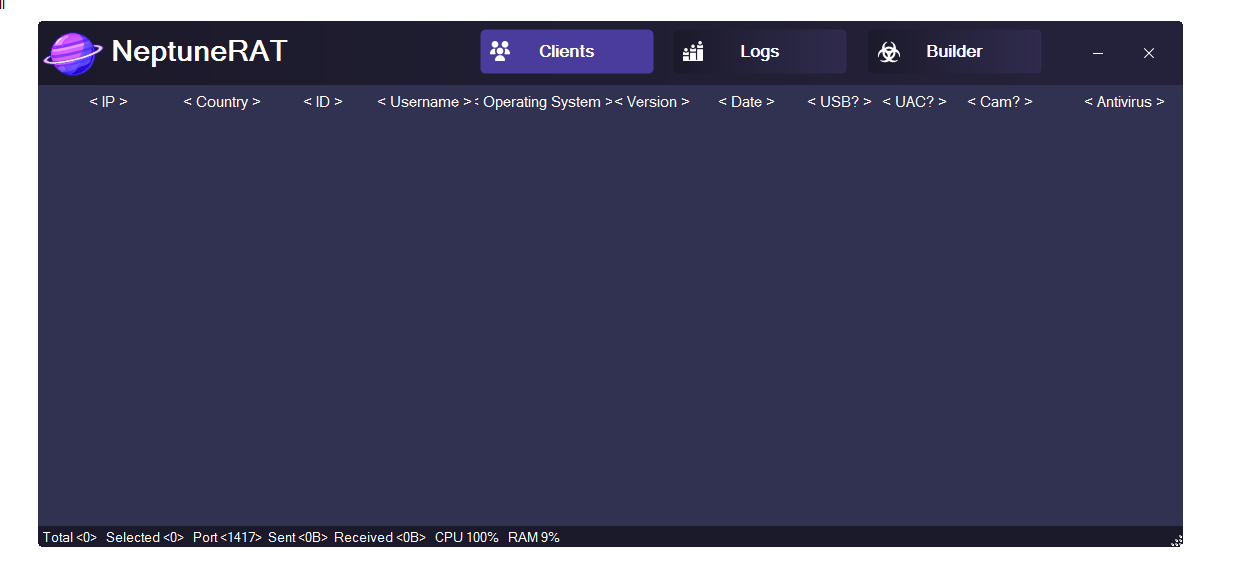
NeptuneRAT V2.0 is advertised as a powerful remote administration tool (RAT) explicitly presented for educational and ethical testing purposes only, with strong disclaimers prohibiting any illegal or unauthorized use. Developers disclaim all responsibility for misuse.
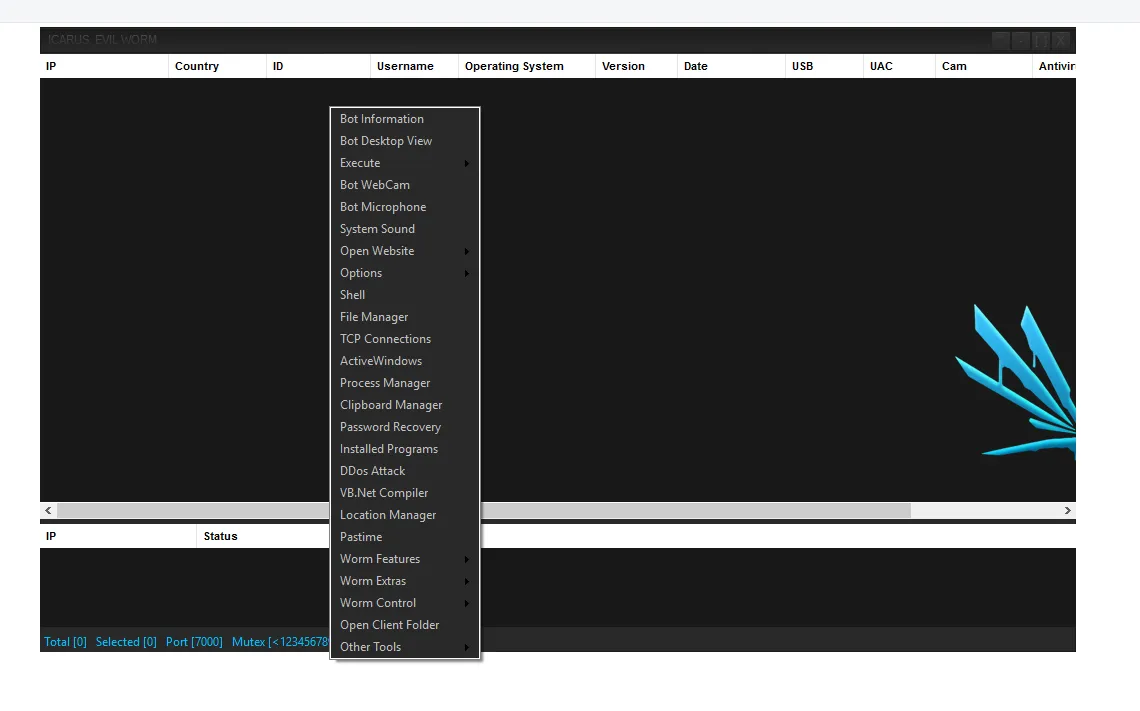
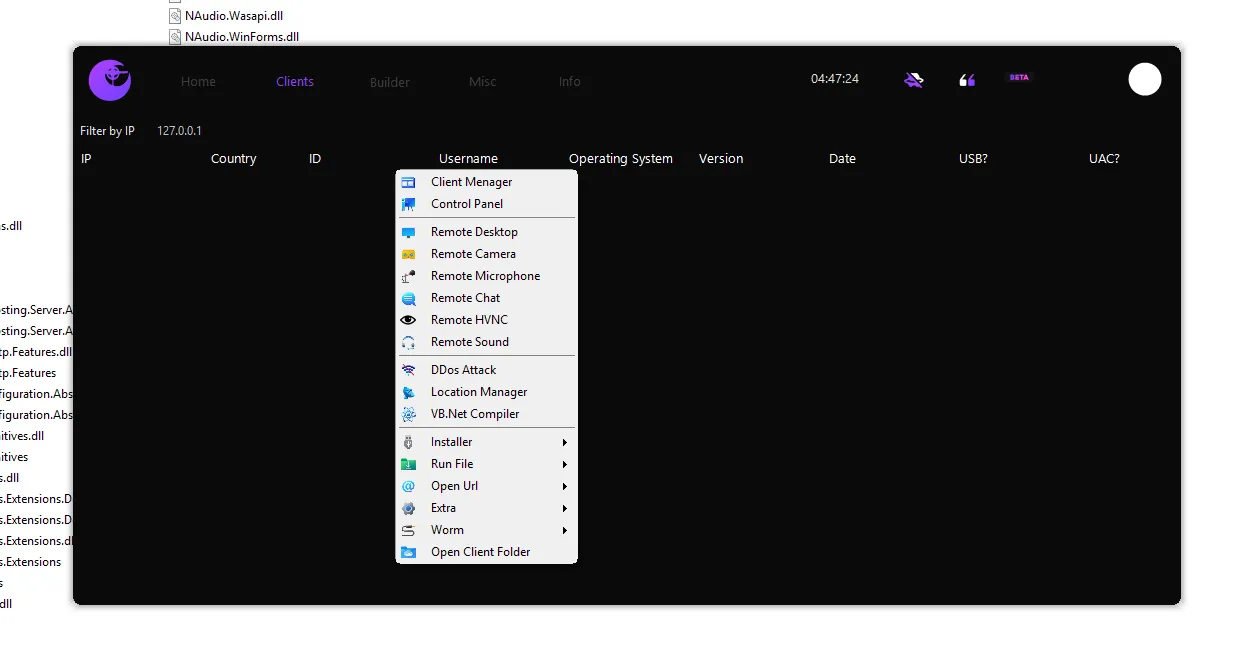
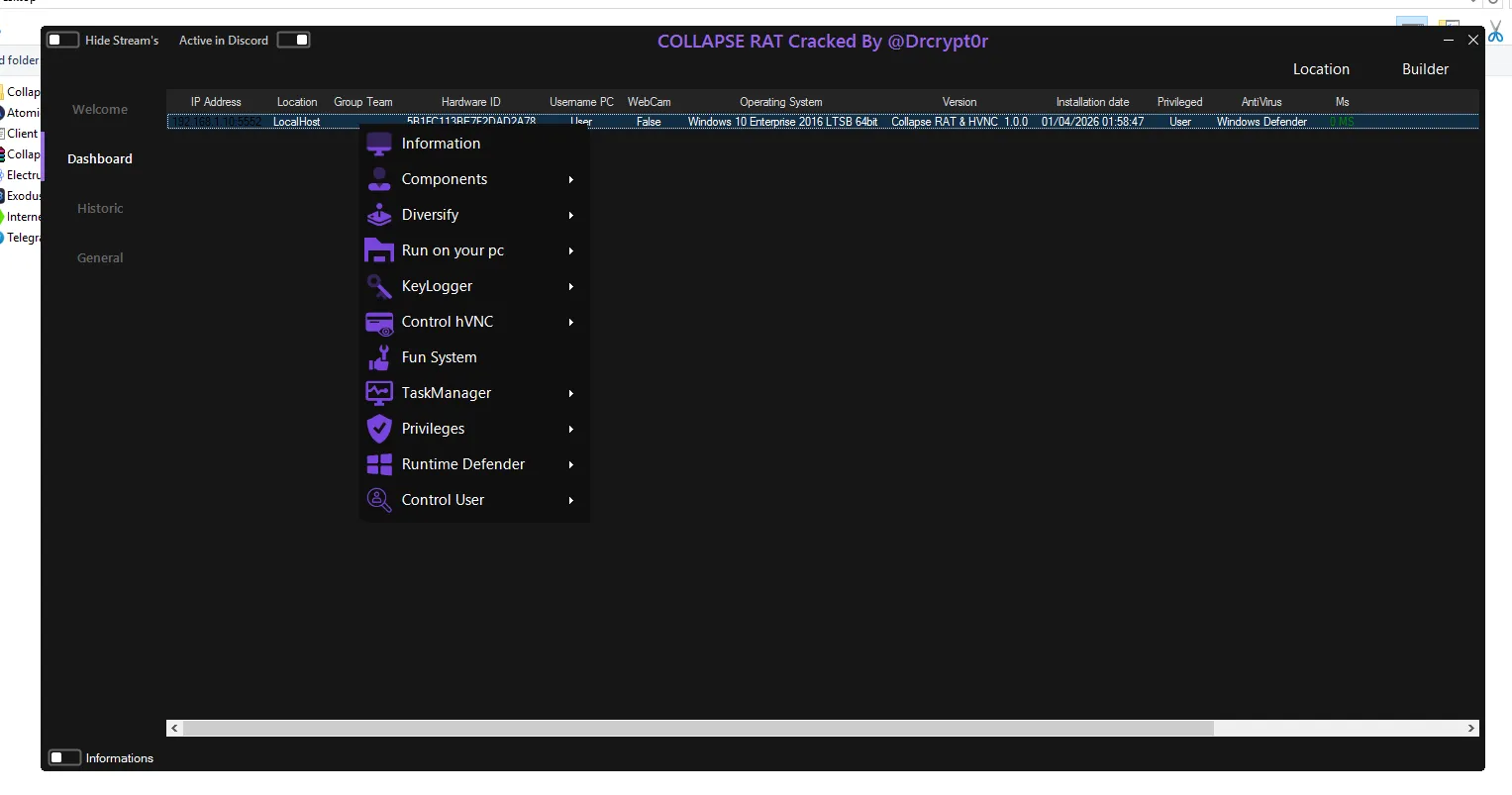
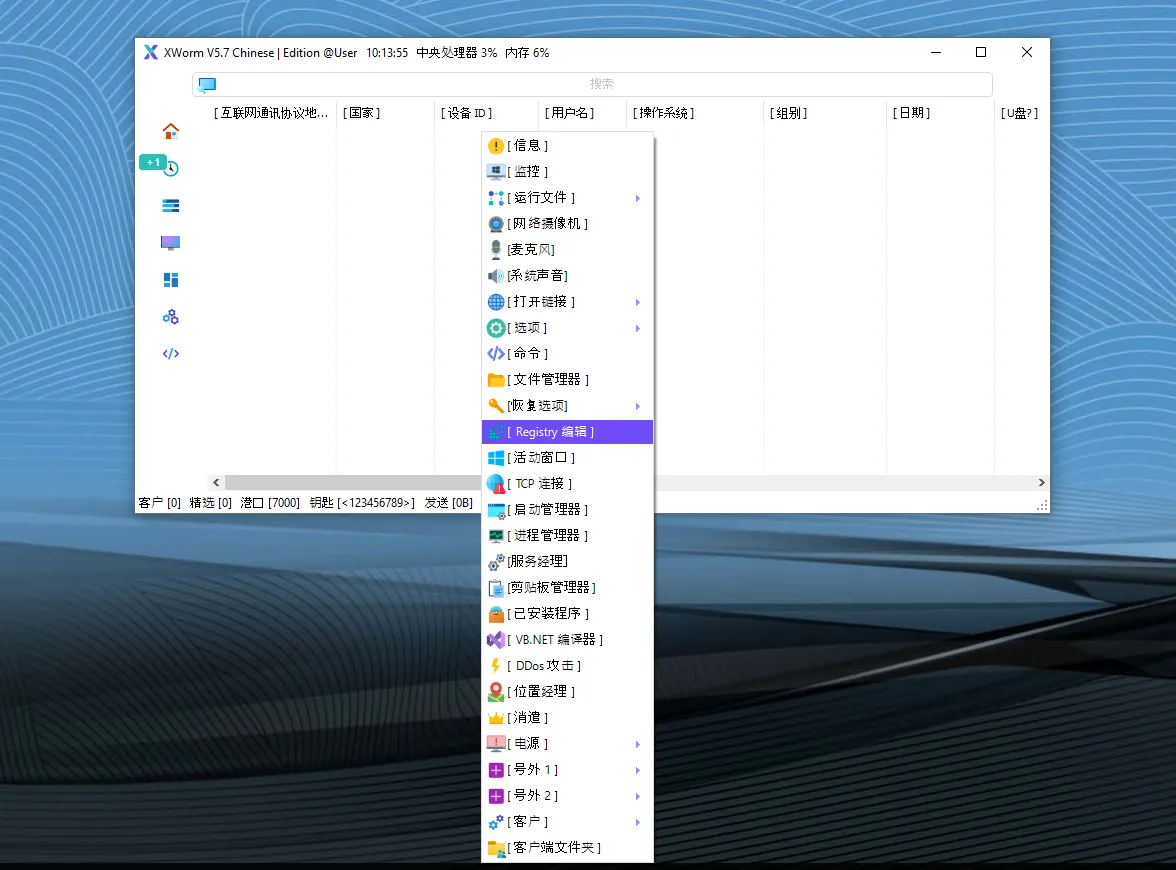
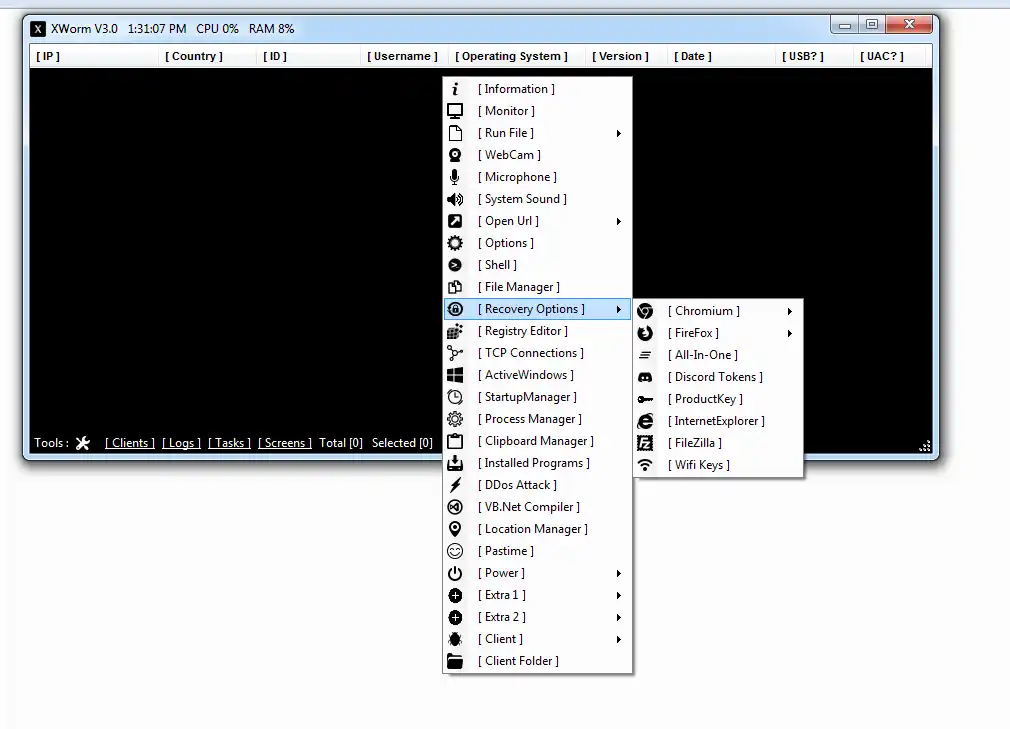
Despite the “educational” framing, the tool’s capabilities closely mirror those of real-world malicious Remote Access Trojans (RATs), including surveillance, data theft, evasion techniques, and destructive functions. Security reports from 2025 link similar NeptuneRAT V2.0 variants to credential theft from hundreds of applications, ransomware-like behavior, and widespread distribution.
This article details every advertised feature of NeptuneRAT V2.0 based on the project’s public description. It is provided strictly for cybersecurity awareness, threat research, and educational purposes. Unauthorized use against any system is illegal and can result in severe legal consequences under computer crime laws worldwide.
Important Reminder: Legitimate remote access should only use audited, consent-based commercial tools (e.g., TeamViewer, AnyDesk, Microsoft Remote Desktop). Never deploy RAT-style software outside isolated lab environments with explicit permission.
Features of NeptuneRAT V2.0
Monitoring (📹)
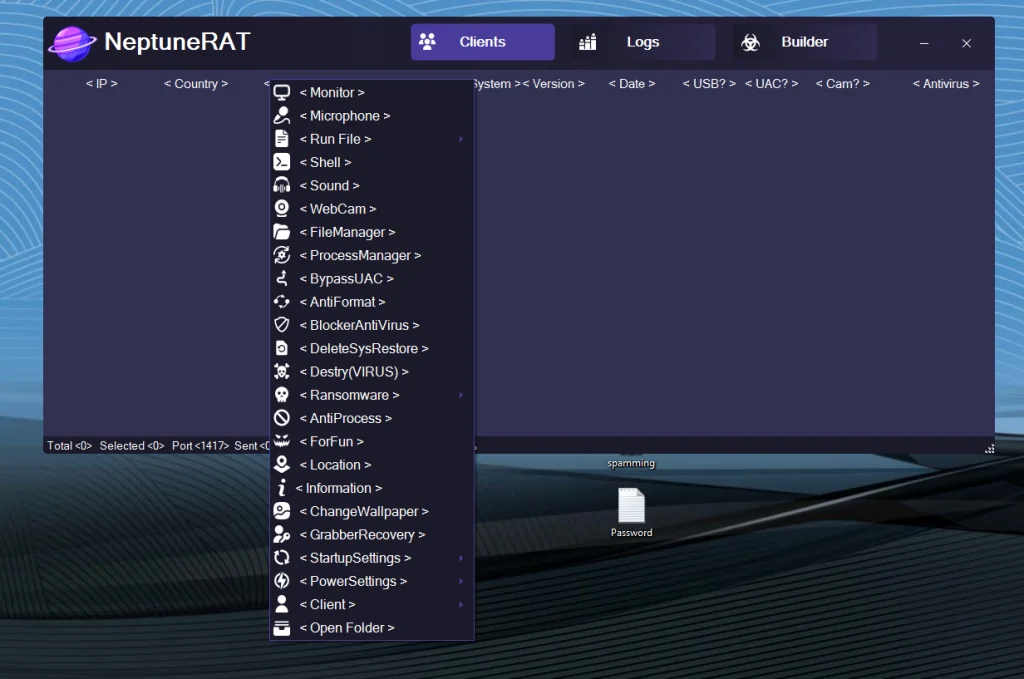
This core surveillance feature enables live viewing of the remote system’s desktop. The controller receives a real-time screen stream, allowing observation of all on-screen activities, mouse movements, and user interactions without the target’s knowledge in malicious scenarios.
Microphone (🎙️)
The tool can remotely activate the target’s microphone to capture and stream live audio. This supports eavesdropping on conversations, ambient sounds, or any audio input from connected devices, often without visual indicators on the victim machine.
Run File (📂)
Allows the controller to execute arbitrary files on the remote system. Files can be uploaded from the controller’s side or selected from the target’s storage and launched remotely, enabling deployment of additional payloads, scripts, or applications.
Shell (⌨️)
Provides unrestricted remote command-line (shell) access. The controller can run any command as if physically at the machine, including file operations, registry edits, network commands, or system configuration changes.
Sound (🔊)
Offers control over the remote system’s audio playback and output. Features include playing custom sounds, adjusting volume levels, or monitoring currently playing media, which can serve as distractions, alerts, or further surveillance.
WebCam (📸)
Remotely activates the target’s webcam to capture and stream live video. This enables visual monitoring of the physical environment around the device, potentially without any LED indicator or user notification.
File Manager (📁)
A full-featured remote file explorer interface. It permits browsing all directories, uploading/downloading files, creating/deleting/renaming items, copying/moving content, and performing other filesystem operations with complete access.
Process Manager (🔄)
Displays a list of all running processes on the remote system. The controller can view details, terminate (kill) processes, suspend/resume them, or start new ones, allowing interference with legitimate software or security tools.
Bypass UAC (🔓)
Automatically circumvents Windows User Account Control prompts to achieve elevated (administrator) privileges silently. This enables the RAT to perform restricted actions without triggering security warnings for the user.
Anti-Format Protection (🛡️)
Prevents or hinders attempts to format drives or wipe data on the infected system. It acts as a self-preservation mechanism against user-initiated recovery or cleanup efforts.
Blocker AntiVirus (🚫)
Actively interferes with or disables installed antivirus/anti-malware software. Techniques may include process termination, signature blocking, or real-time protection disabling to avoid detection.
Delete System Restore (❌)
Locates and permanently removes Windows System Restore points. By eliminating these recovery backups, it complicates legitimate system rollback or malware removal attempts.
Destroy (VIRUS Mode) (☣️)
Engages an aggressive destructive payload mode. This can corrupt critical system files, overwrite data, delete essential components, or trigger widespread damage resembling classic virus behavior.
Ransomware (🔐)
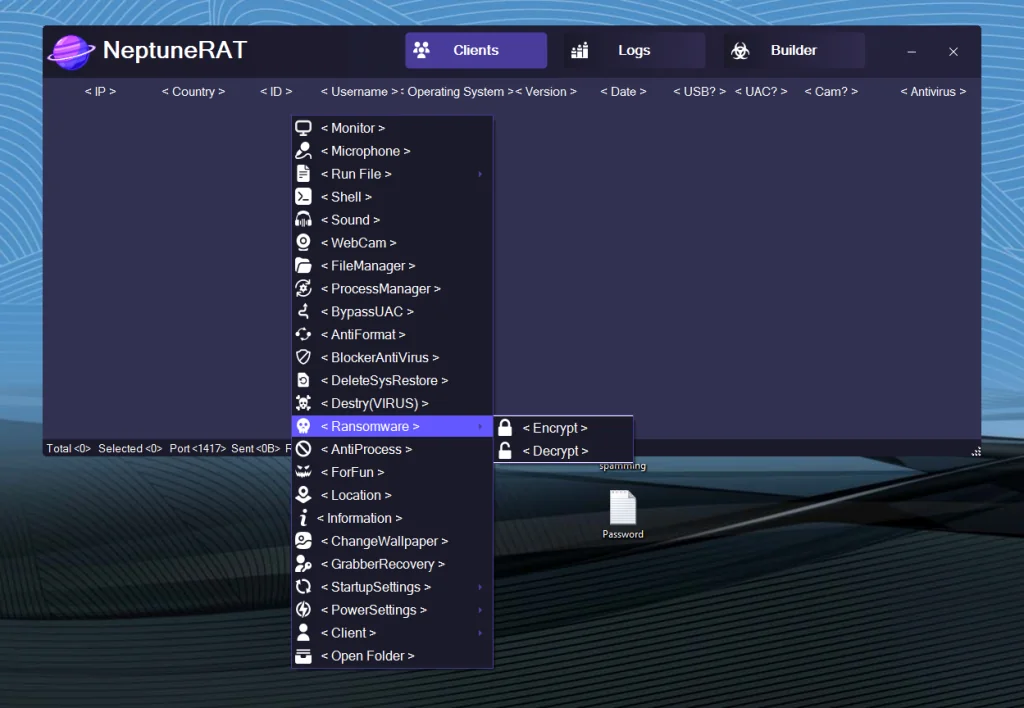
Includes file-encryption capabilities that lock user documents and data, followed by ransom demands (typically displayed via notes or pop-ups). It targets common file extensions and may demand cryptocurrency payments for decryption keys.
Anti-Process Protection (🔄)
Self-defense feature that protects the RAT’s own processes from termination. It may hook system APIs, monitor task managers, or restart itself if killed, ensuring persistence against manual removal attempts.
Fun Actions (🎭)
A collection of non-destructive prank features, such as displaying fake message boxes, playing annoying sounds, opening/closing CD trays (if applicable), or other light disruptions intended for “fun” but still capable of user annoyance.
Location Tracking (📍)
Attempts to determine and report the geographical location of the infected device. This typically uses IP-based geolocation, Wi-Fi data, or other available signals to provide approximate coordinates or city-level information.
System Information (ℹ️)
NeptuneRAT V2.0 can Collects and transmits detailed reconnaissance data about the target machine, including OS version/build, hardware specs (CPU, RAM, GPU), installed software, network adapters, running services, and user accounts.
Change Wallpaper (🖼️)
Remotely replaces the desktop background with a custom image uploaded by the controller. This can be used for marking compromised systems, displaying taunting messages, or simple customization.
Grabber Recovery (🔑)
Advanced credential and data theft module. It scans and extracts stored passwords from browsers, email clients, FTP programs, VPNs, wallets, and many other applications (reports indicate support for 270+ apps in related variants), along with Discord tokens, cookies, autofill data, and saved credit card details.
Startup Settings (🚀)
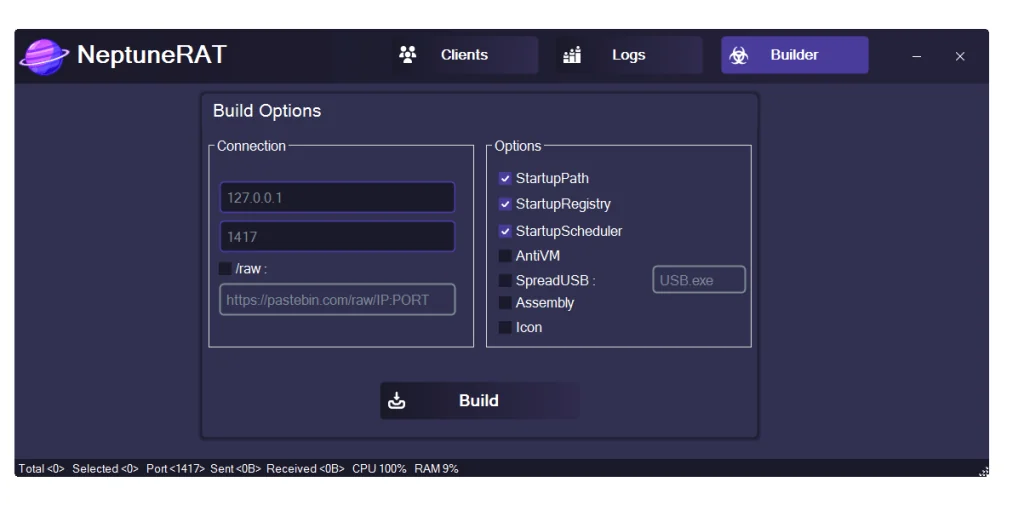
Ensures automatic execution on system boot for persistence. Methods include adding entries to the Windows Registry (Run/RunOnce keys), Task Scheduler, Startup folder, or other common autorun locations.
Power Settings (⚡)
Provides remote control over system power states. The controller can force shutdown, restart, logoff, hibernate, sleep, or lock the screen, allowing management of device availability or forced disruptions.
Client Management (🖥️)
Centralized interface for handling multiple infected systems (clients/victims). Features include viewing connected devices, sorting/filtering sessions, switching between controls, monitoring status, and managing groups of targets.
Open Folder (📂)
Quick-access function to directly open and navigate to specific folders on the remote filesystem. It bypasses full file manager traversal for faster interaction with targeted directories.
Download NeptuneRAT V2.0
Conclusion for NeptuneRAT V2.0
NeptuneRAT V2.0 advertises an extensive set of remote control, surveillance, theft, evasion, and destructive features that align closely with advanced malware capabilities observed in real-world threats. While labeled for educational use, its toolkit demonstrates techniques commonly abused by cybercriminals.