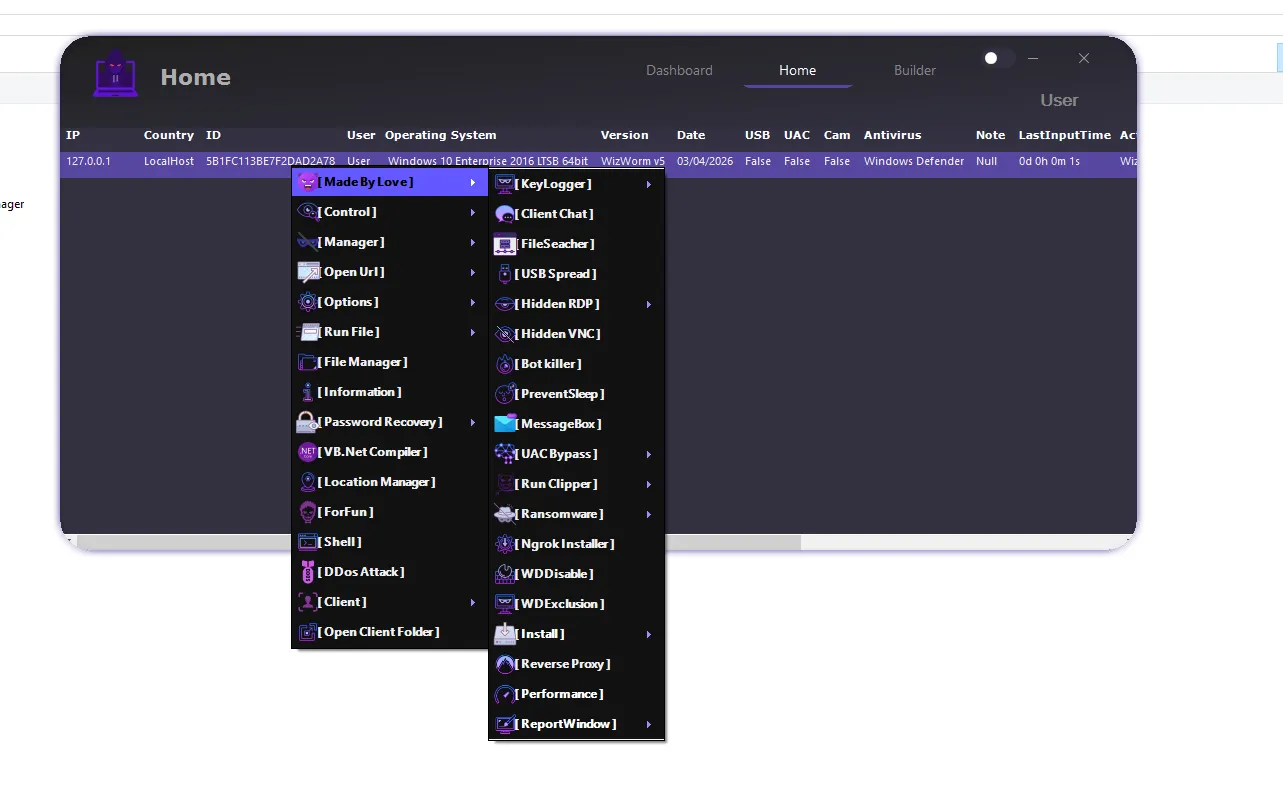
WizWorm V5.0 Features & Review (2026) – Advanced Remote Administration Tool Guide
WizWorm V5.0 is an advanced remote administration and monitoring platform built for deep system control, analysis, and flexible remote operations. The 2026 update enhances usability, expands feature modules, and improves overall performance for professional environments.
With a modular design and real-time control capabilities, it enables efficient management of remote systems, making it suitable for IT operations, system testing, and cybersecurity research scenarios.
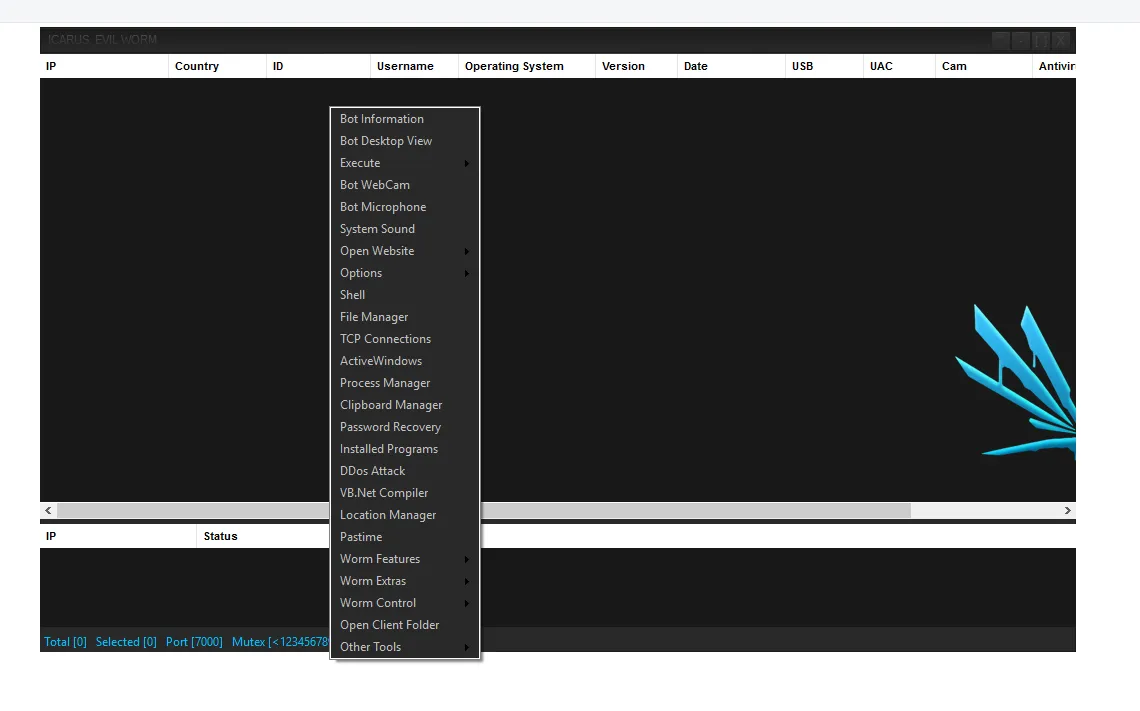
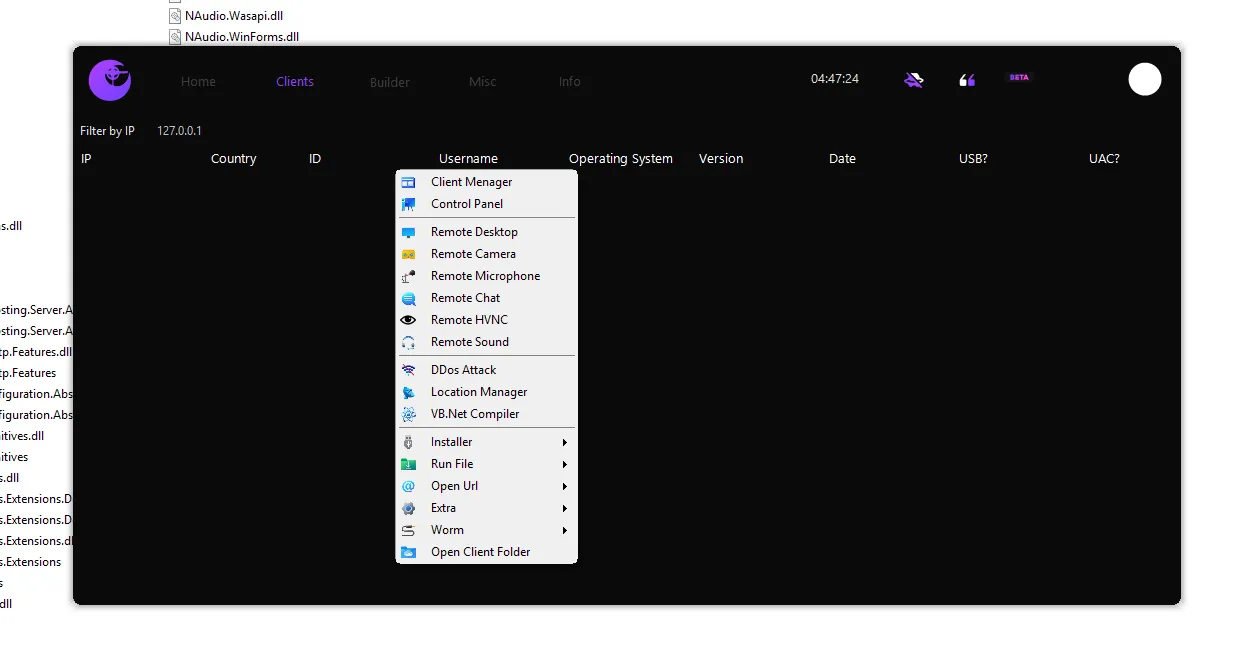
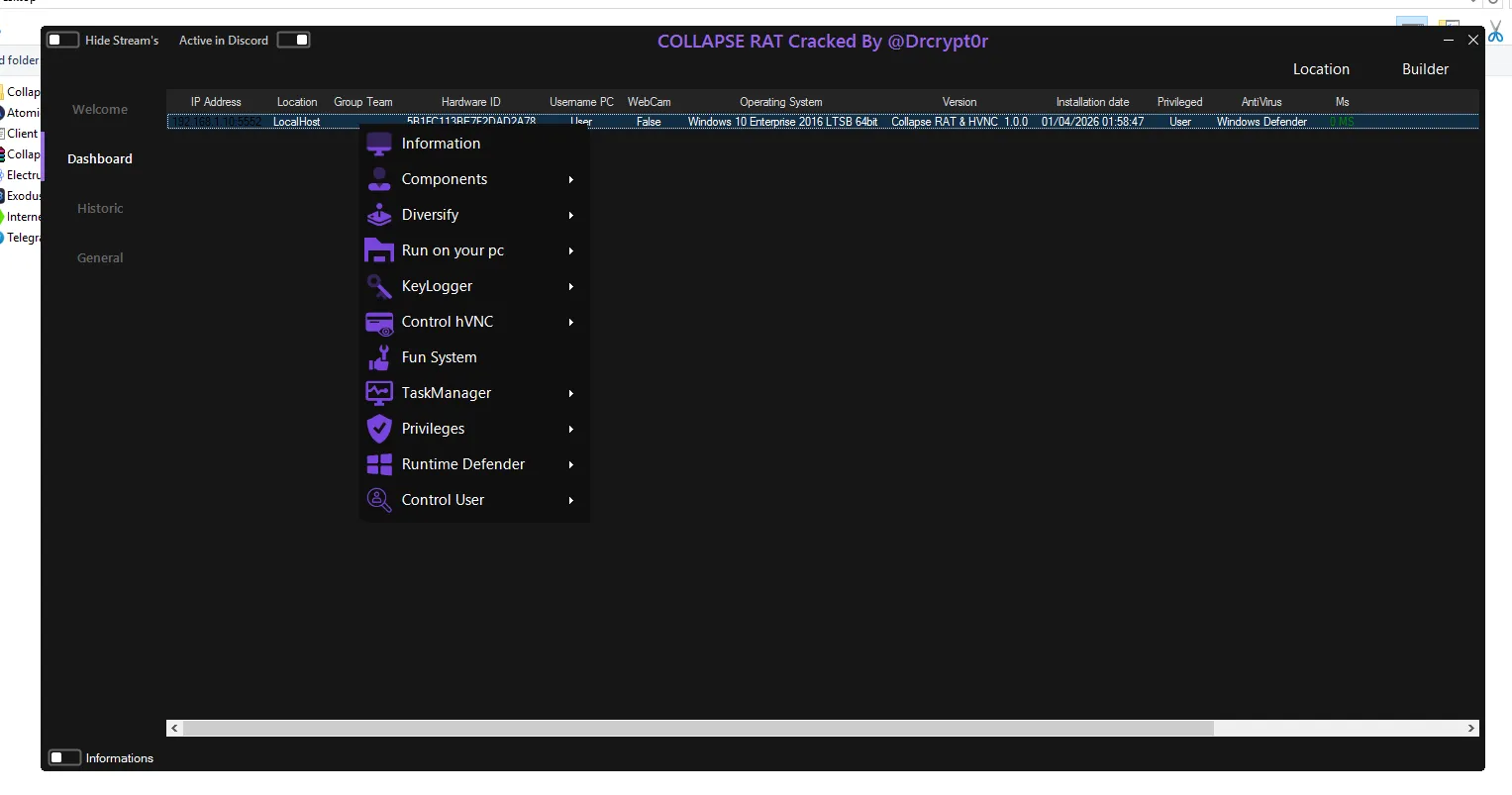
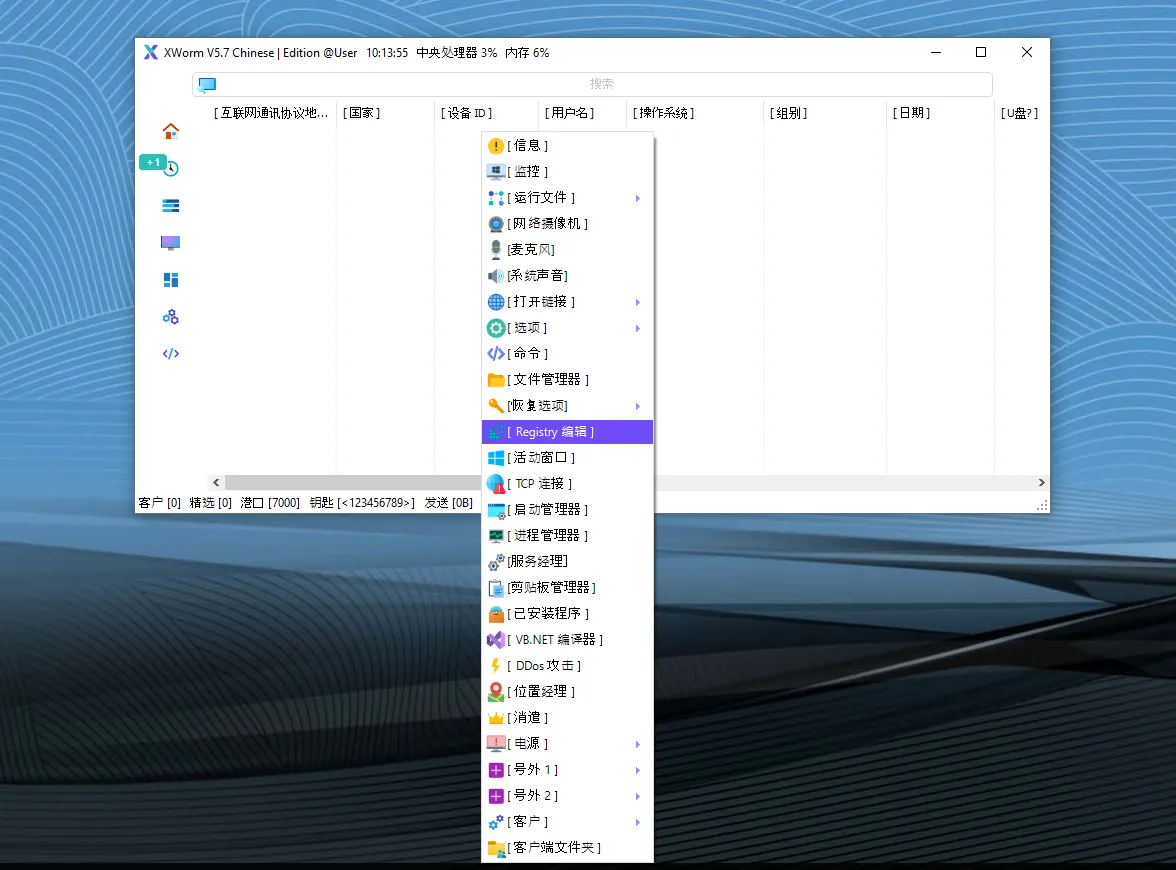
🖥️ 🧩 Central Dashboard Overview of WizWorm V5.0
The dashboard functions as the primary control hub, giving users a real-time overview of all connected systems.
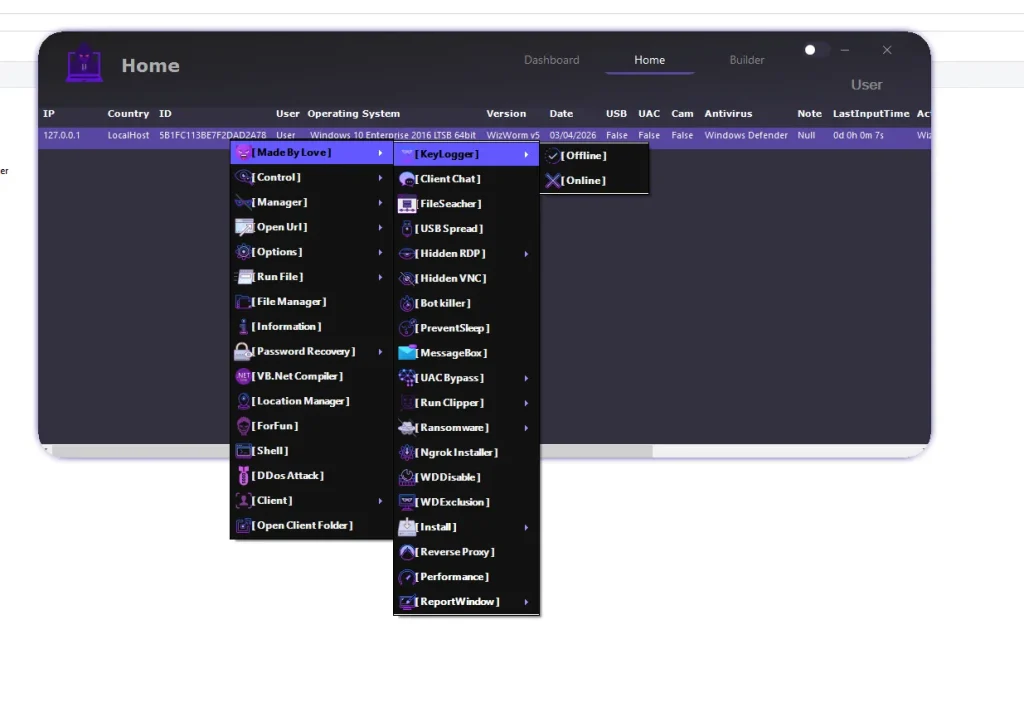
🔍 Key Client Information
- 🌍 IP Address & Country:
This feature identifies the geographic and network origin of each connected system. It helps administrators track where connections are coming from and organize clients efficiently. In large-scale environments, this improves visibility and control over multiple endpoints. It also assists in recognizing unusual or unexpected connections. Overall, it strengthens system awareness and monitoring accuracy. - 🆔 Unique ID & User Profile:
Each connected client is assigned a distinct identifier to prevent confusion between systems. This ensures accurate tracking and management across multiple sessions. It becomes especially useful when handling large numbers of remote connections. The user profile adds additional context for identifying systems. Together, these elements improve organization and operational clarity. - ⚙️ System Details & Version Info:
Displays detailed information about the remote environment, including system configuration. This helps ensure compatibility before executing commands or deploying tasks. It reduces the risk of errors during operations. Administrators can tailor actions based on system specifications. This leads to more efficient and reliable system management. - ⏱️ Connection Activity & Last Input Time:
Shows when the system was last active or interacted with. This helps determine whether the system is currently in use. It is useful for monitoring behavior and detecting inactivity. Administrators can prioritize active systems for operations. It also helps in identifying potential issues or downtime. - 🔌 Hardware & Security Status:
Displays USB activity, permission levels, and system protection status. This helps determine what level of control is available. It also provides insight into security configurations. Administrators can adjust actions accordingly. This ensures smoother and more informed remote operations.
🔧 ❤️ Advanced Command & Control Module in WizWorm V5.0
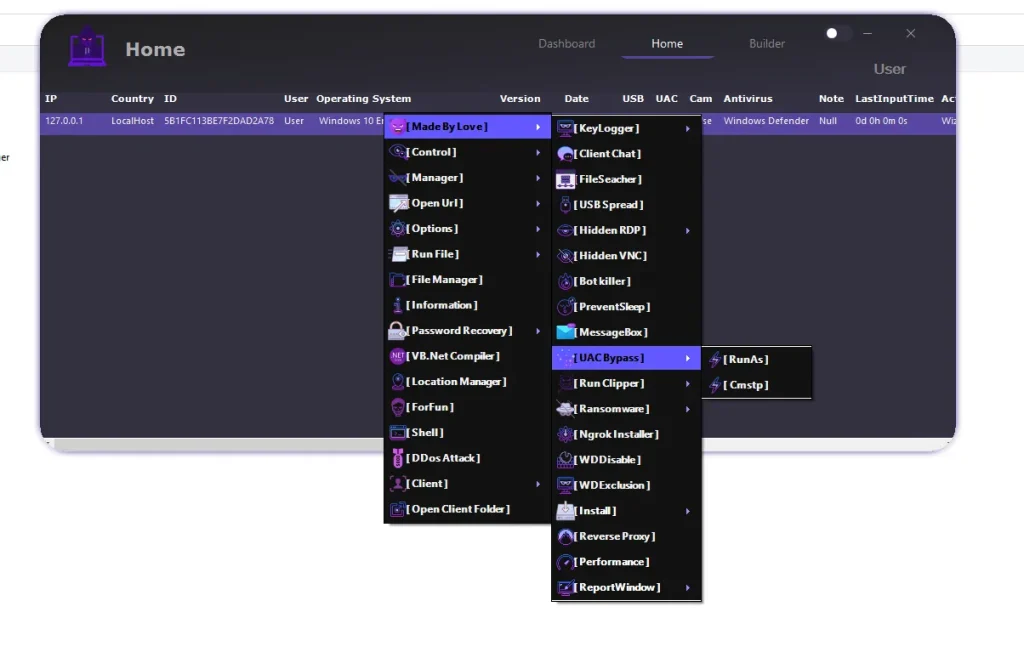
⌨️ KeyLogger
- 🟢 Real-Time Monitoring:
Captures keystrokes as they are typed on the system. This allows administrators to monitor user input live. It is useful for behavioral analysis and testing environments. Real-time access ensures immediate visibility. This enhances monitoring precision and responsiveness. - 📁 Offline Log Storage:
Stores captured keystrokes for later review and analysis. This is useful when real-time monitoring is not required. Logs can be analyzed to understand usage patterns. It helps in long-term observation and reporting. This feature ensures no data is lost during inactive sessions.
💬 Client Chat
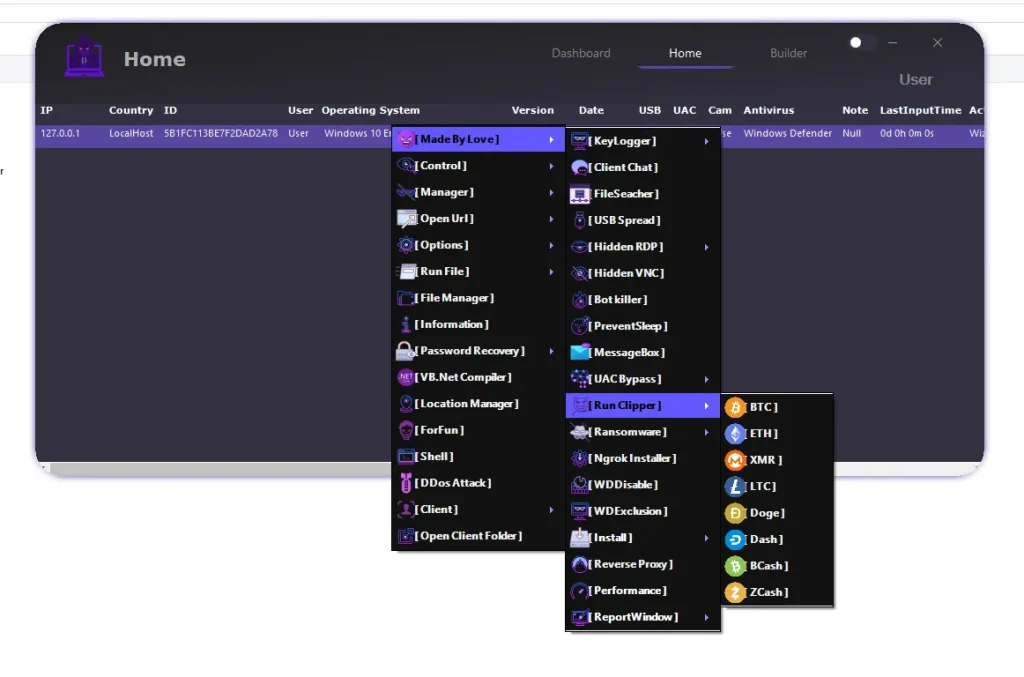
- 🗨️ Direct Communication:
Enables real-time interaction between administrator and user. This can be used for support or troubleshooting purposes. It allows immediate response to issues. Communication improves efficiency in resolving problems. It also helps maintain user awareness during sessions.
🔎 File Searcher
- ⚡ Fast File Scanning:
Quickly locates files across the entire system. This reduces the time required to find specific data. It is especially useful for large storage systems. Administrators can access files without manual searching. This improves productivity and workflow efficiency.
🔌 USB Propagation
- 🔄 Removable Media Execution:
Allows operations via external storage devices. This can be used in controlled testing environments. It demonstrates how systems interact with external media. Helps in analyzing system behavior in different scenarios. Useful for research and simulation purposes.
🖥️ Hidden Remote Access
- 👁️ Stealth Control:
Provides remote desktop access without visible indicators. This allows uninterrupted system interaction. It ensures operations remain discreet. Administrators can perform tasks without interference. This enhances control flexibility and efficiency.
🛡️ Bot Killer
- 🧹 Process Cleanup:
Detects and removes unwanted or conflicting processes. This ensures stable system performance. It prevents interference from other programs. Improves reliability of remote sessions. Maintains a clean operational environment.
⚡ Prevent Sleep
- 🔋 Continuous Activity:
Keeps the system active during long sessions. Prevents interruptions caused by sleep mode. Ensures tasks run without disruption. Useful for monitoring and automation. Maintains consistent connectivity.
📢 MessageBox
- 💡 User Interaction:
Displays custom messages on the system screen. Can be used for alerts or testing responses. Helps in communication during operations. Provides visual feedback to the user. Enhances interaction capabilities.
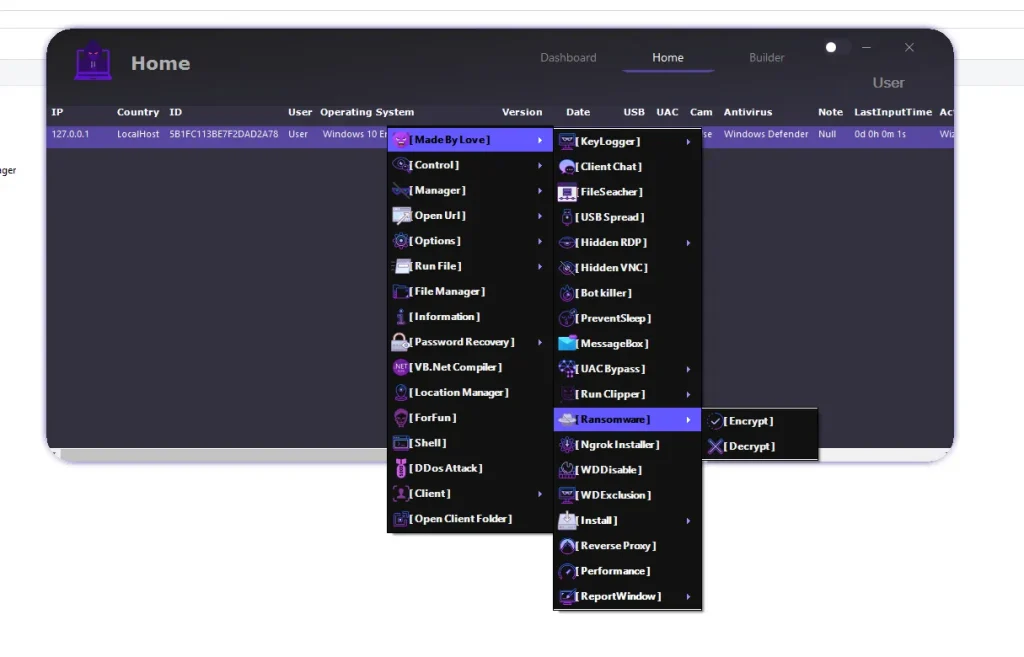
🔐 UAC Bypass Techniques WizWorm V5.0
- ⚙️ Privilege Elevation Methods:
Allows execution of tasks with higher permissions. This helps perform advanced administrative actions. Reduces limitations caused by restricted access. Improves flexibility in system control. Ensures smoother execution of operations.
💰 Crypto Clipper Module WizWorm V5.0
- 🔍 Clipboard Monitoring:
Tracks copied data in real time. Detects specific patterns such as addresses. Automatically replaces them with predefined values. Used in testing and simulation scenarios. Demonstrates clipboard manipulation techniques.
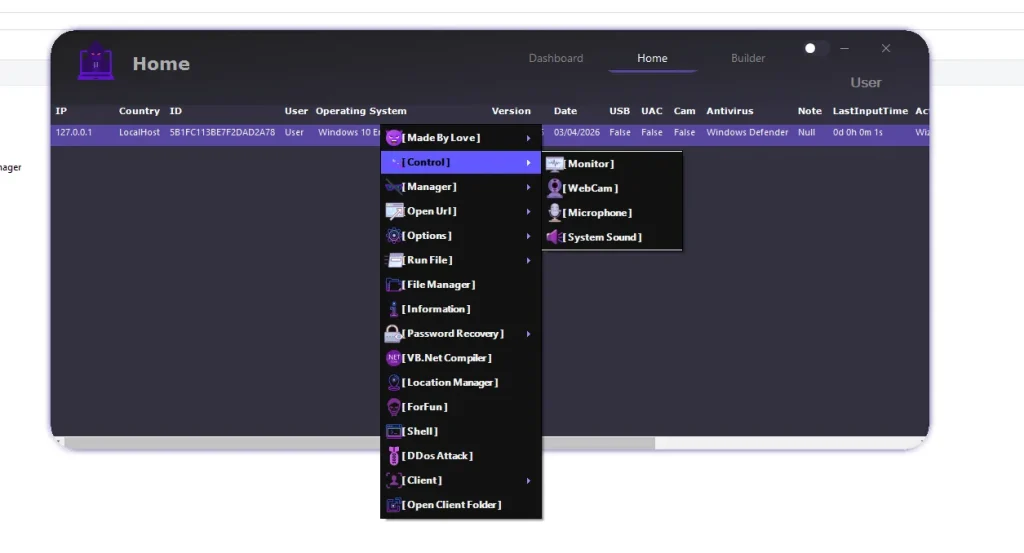
🔒 Ransomware Simulation Module WizWorm V5.0
- 🔐 File Encryption Testing:
Simulates file encryption processes for research purposes. Helps understand system vulnerabilities. Includes a recovery function for testing cycles. Useful in cybersecurity labs. Provides insight into system resilience.
⚙️ 🎛️ Additional Utility Tools
- 🌐 Networking & Performance Tools:
Includes tunneling, proxy, and monitoring features. Helps establish secure remote connections. Tracks system performance metrics. Provides detailed reports for analysis. Enhances overall operational control.
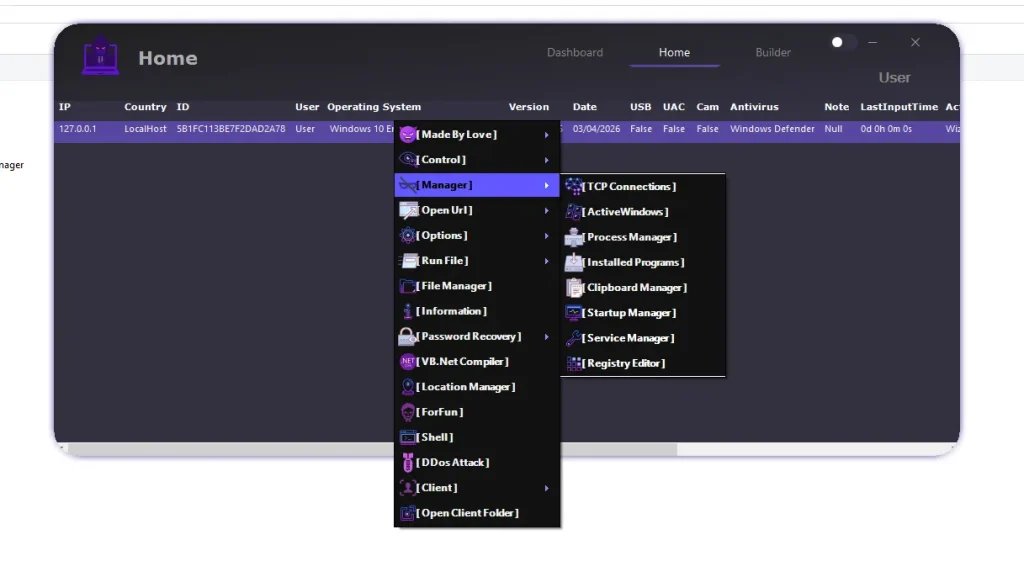
🎥 🎧 Hardware & Media Control
- 🖥️ Screen Monitoring:
Displays live system activity in real time. Helps observe user actions. Useful for troubleshooting and analysis. Provides visual system access. Enhances monitoring capabilities. - 📷 Webcam Access:
Enables viewing of camera feed remotely. Useful in testing hardware functionality. Provides environmental awareness. Helps in diagnostics. Enhances remote visibility. - 🎤 Audio Monitoring:
Captures microphone input from the system. Useful for testing audio hardware. Helps analyze sound input quality. Adds another layer of monitoring. Improves system insight.
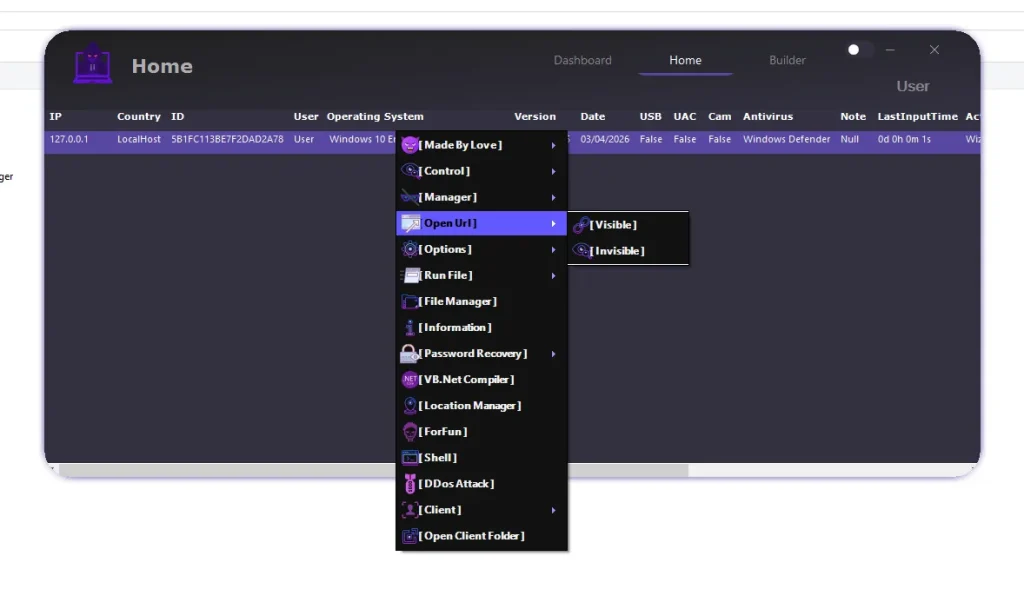
🧰 ⚙️ System Management Module
- ⚙️ Process & System Control:
Allows management of running applications and services. Provides insight into system operations. Helps optimize performance. Enables troubleshooting of issues. Improves system efficiency.
🚀 📂 File Execution Module
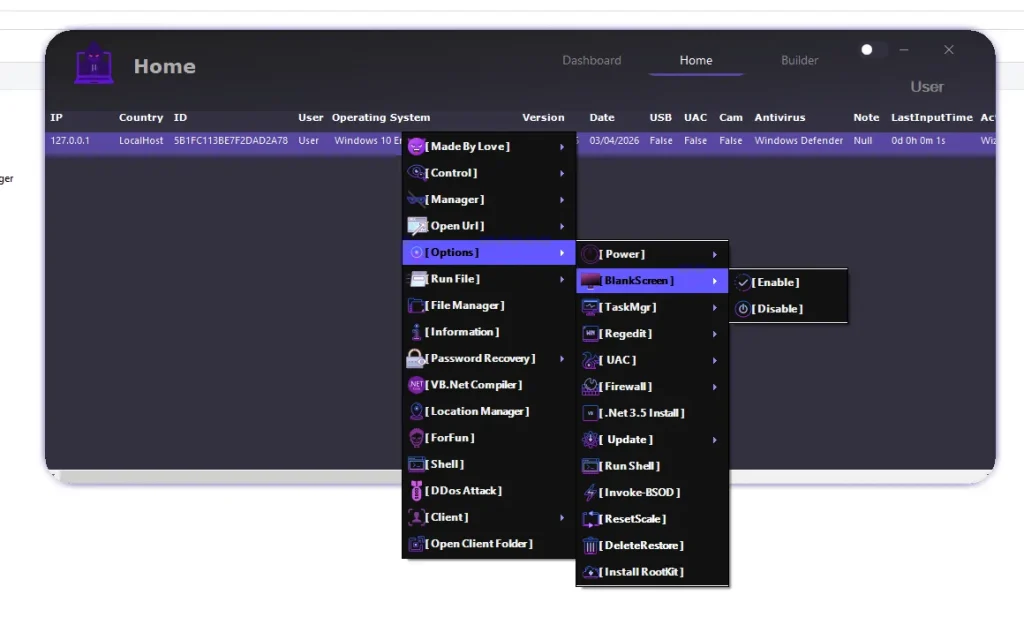
- ⚡ Flexible Execution Methods:
Supports multiple ways to run files and scripts. Provides flexibility depending on environment needs. Enables efficient task execution. Reduces dependency on a single method. Enhances adaptability.
📁 🗂️ File Manager
- 📂 Full File Control:
Allows browsing, uploading, and modifying files. Provides complete access to system storage. Simplifies file management remotely. Improves workflow efficiency. Ensures better organization of data.
📊 📡 Information Gathering Module
- 📊 System Intelligence:
Collects detailed information about hardware and software. Helps build a complete system profile. Supports informed decision-making. Improves planning for operations. Enhances analysis accuracy.
🔑 🔓 Credential Recovery Module
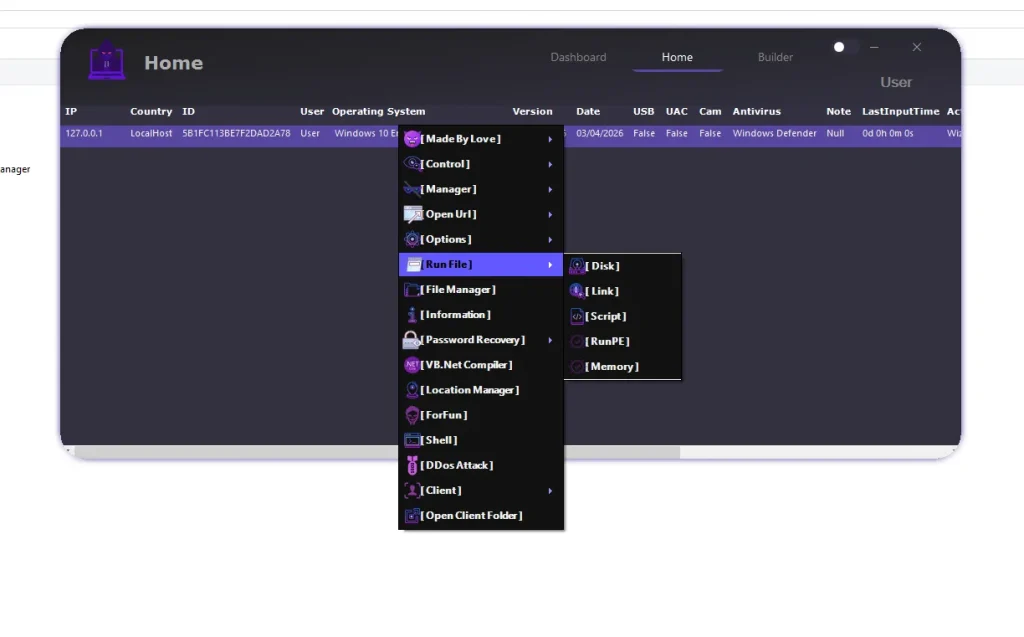
- 🔐 Data Extraction Capabilities:
Retrieves stored credentials and user data. Helps analyze stored information securely. Supports testing of data storage practices. Provides insight into system behavior. Enhances research capabilities.
🏗️ ⚙️ Builder Module
- 🧩 Custom Configuration:
Allows creation of tailored client builds. Users can select features based on needs. Improves flexibility and customization. Enables efficient deployment. Supports various use cases.
⭐ Why WizWorm V5.0 Stands Out in 2026
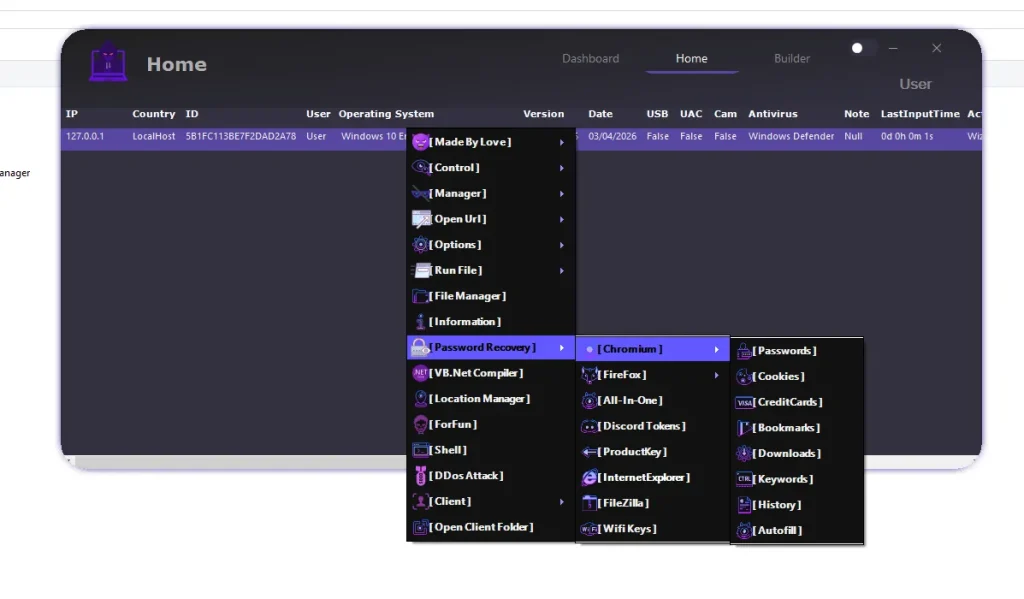
- 🕵️ Stealth capabilities
- ⚡ Flexible execution
- 🎥 Full system control
- 🔐 Advanced data access
- 🎨 Modern interface
👉 These combined features make it a comprehensive remote administration solution.
Download WizWorm V5.0
🧾 Conclusion
WizWorm V5.0 provides a complete set of tools for remote system management, monitoring, and analysis. Its modular design and advanced features make it a powerful solution for professional environments and controlled testing scenarios.
It should always be used responsibly and within legal and ethical boundaries.
❓ FAQs
❓ What is WizWorm V5.0 used for?
It is used for remote system administration, monitoring, and analysis in professional environments.
❓ Who can use WizWorm V5.0?
IT professionals, developers, and cybersecurity researchers commonly use it.
❓ What makes WizWorm V5.0 unique?
Its modular design, advanced control features, and flexibility make it stand out.
❓ Does it support data analysis?
Yes, it includes tools for collecting and analyzing system data.
❓ Is WizWorm V5.0 suitable for testing?
Yes, it is often used in controlled environments for system and security testing.