
🛡️ Vortex Malware Clipper V3.5 – Complete Technical Analysis of a Cryptocurrency Clipboard Hijacker
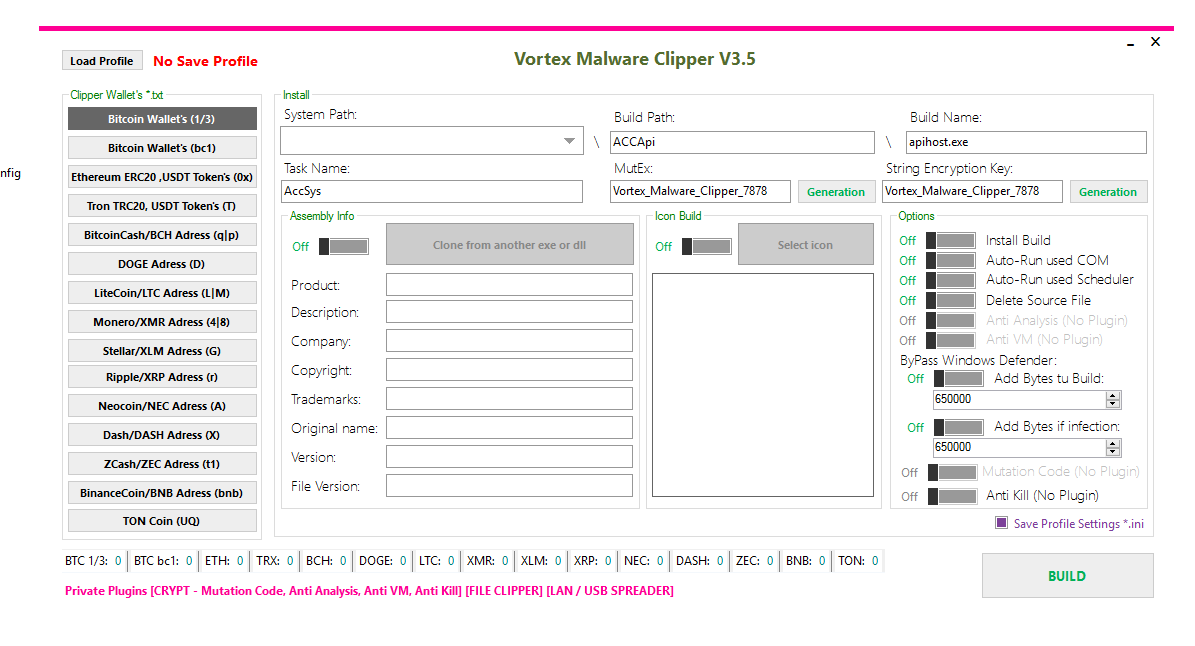
🧠 Introduction to Vortex Malware Clipper V3.5
Cryptocurrency users face increasing cyber threats, and one of the most dangerous types is clipboard hijacking malware.
Vortex Malware Clipper V3.5 is an advanced malicious program designed to intercept and manipulate cryptocurrency wallet addresses copied to the clipboard. Instead of sending funds to the intended recipient, victims unknowingly transfer their cryptocurrency directly to an attacker.
This malware specifically targets crypto transactions across multiple blockchain networks, making it a serious financial threat to individuals and organizations.
🔍 What is Vortex Malware Clipper V3.5 Malware?
📋 Clipboard Hijacking Explained
Clipper malware is a type of financial malware that monitors the system clipboard for cryptocurrency wallet addresses.
⚙️ How Vortex Malware Clipper V3.5 Works
🔹 User copies a crypto wallet address
🔹 Malware monitors clipboard activity
🔹 It detects wallet address patterns
🔹 The address is automatically replaced
🔹 User pastes the attacker’s address unknowingly
Because cryptocurrency transactions are irreversible, victims usually lose their funds permanently.
💰 Supported Cryptocurrency Networks by Vortex Malware Clipper V3.5
🌐 Multi-Blockchain Targeting
Vortex Clipper V3.5 supports more than 15 cryptocurrency networks, allowing attackers to target a wide range of digital assets.
🪙 Targeted Cryptocurrencies
🔹 Bitcoin (BTC) – Legacy and Bech32 addresses
🔹 Ethereum (ETH) – ERC-20 tokens including USDT
🔹 Tron (TRX) – TRC-20 addresses
🔹 Bitcoin Cash (BCH)
🔹 Dogecoin (DOGE)
🔹 Litecoin (LTC)
🔹 Monero (XMR)
🔹 Stellar (XLM)
🔹 Ripple (XRP)
🔹 Dash (DASH)
🔹 ZCash (ZEC)
🔹 Binance Coin (BNB)
🔹 TON Coin
This extensive support allows the malware to intercept transactions across major blockchain ecosystems.
⚙️ Technical Capabilities of Vortex Clipper
🔐 Persistence Mechanisms
The malware uses several techniques to remain active on infected systems.
🔧 Auto-Run Techniques
🧩 COM Object Auto-Run hijacking
🧩 Windows Task Scheduler execution
🧩 Permanent installation on the system
These persistence methods ensure the malware continues running even after system restarts.
🕵️ Evasion and Anti-Detection Features
🛑 Advanced Security Bypass Techniques
Vortex Malware Clipper V3.5 includes multiple anti-analysis and anti-security features.
🧪 Anti-Security Functions
⚫ Anti-Analysis environment detection
⚫ Anti-Virtual Machine protection
⚫ Anti-Kill protection against security tools
⚫ Code mutation to change malware signatures
⚫ Windows Defender bypass techniques
These mechanisms help the malware avoid detection by traditional antivirus solutions.
🧬 Defender Evasion Strategy of Vortex Malware Clipper V3.5
📦 File Size Manipulation
One unusual tactic used by this malware involves artificially increasing file size.
📁 Byte Injection Technique
🔹 Adds approximately 650,000 bytes to the build
🔹 Adds another 650,000 bytes during infection
This technique attempts to confuse heuristic detection systems that expect malware to be smaller.
🌐 Malware Spreading Capabilities
📡 Network Propagation
The malware includes mechanisms that allow it to spread to other systems.
🔗 Distribution Methods
📌 Local network spreading
📌 USB device propagation
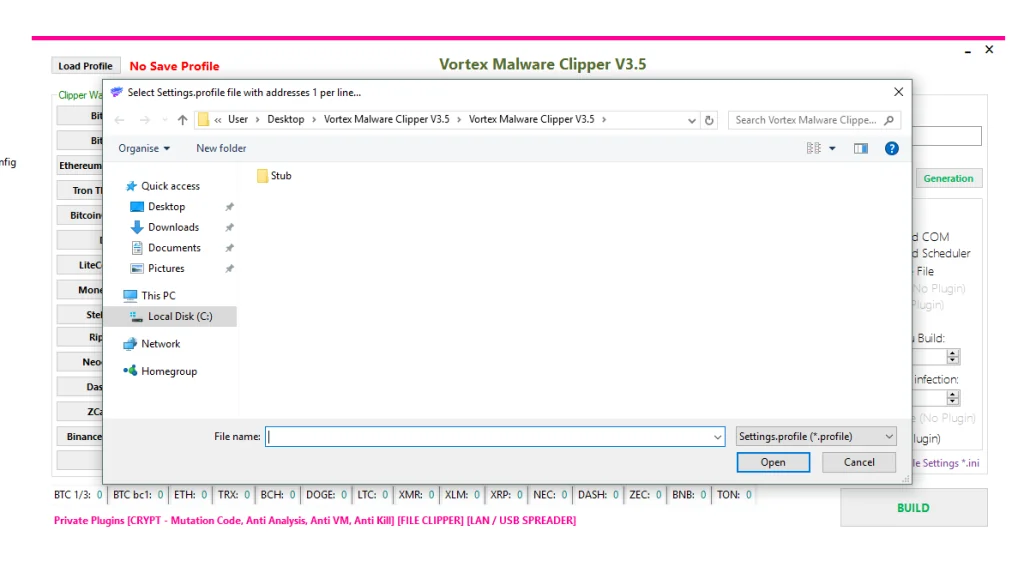
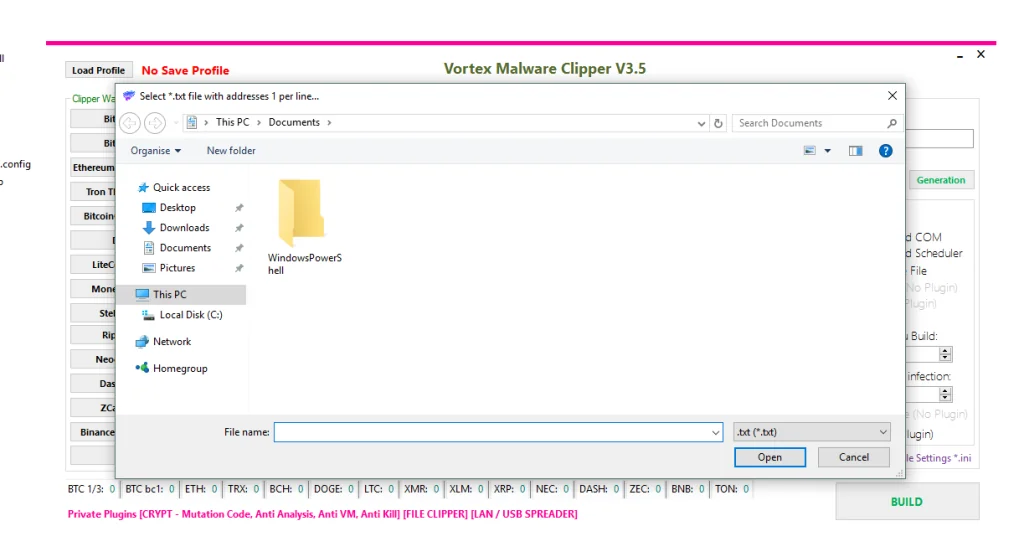
📌 File-based wallet information targeting
This capability increases the infection rate within organizations and shared systems.
⚙️ Build Configuration Analysis
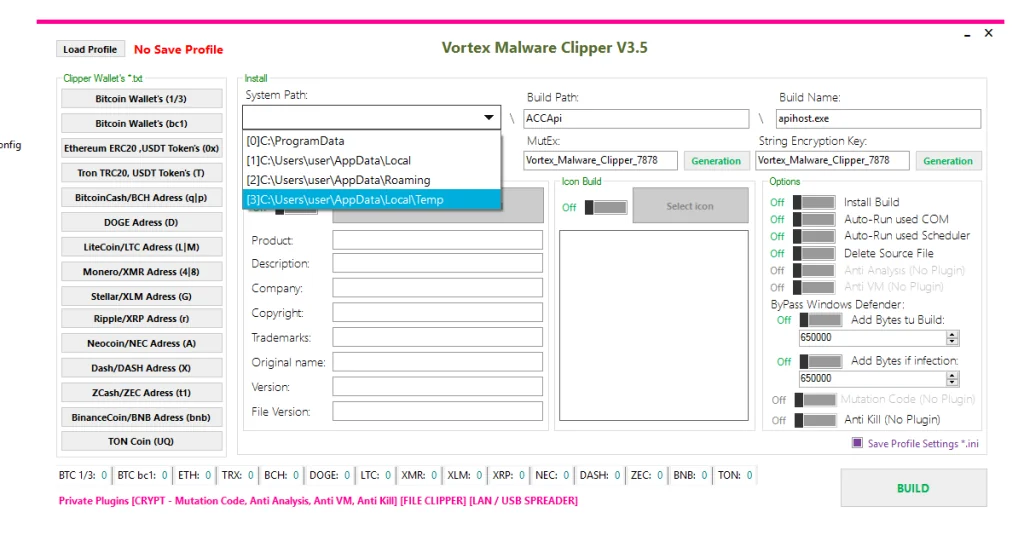
📂 Installation Locations of Vortex Malware Clipper V3.5
The malware can install itself in several Windows directories:
📁 ProgramData directory
📁 AppData Local directory
📁 AppData Roaming directory
📁 Temporary system folders
These locations help the malware blend into normal system files.
🧾 File Characteristics of Vortex Malware Clipper V3.5
Important configuration elements identified include:
🔹 Build filename: apihost.exe
🔹 String encryption key: OWcXh53OTKVBfGpO
🔹 Assembly cloning to mimic legitimate applications
By copying legitimate software metadata, the malware attempts to appear harmless.
🔑 Mutex Identification
🧷 Malware Instance Control
The malware uses a mutex identifier to prevent multiple instances from running simultaneously.
Mutex Value
🔹 Vortex_Malware_Clipper_7878
This mechanism prevents duplicate infections and execution conflicts.
🔄 Malware Execution Workflow
⚡ Infection Process
The operational flow typically follows these stages:
1️⃣ User executes malicious file
2️⃣ Malware installs itself in system directories
3️⃣ Persistence mechanisms are activated
4️⃣ Original source file may be deleted
5️⃣ Clipboard monitoring begins
6️⃣ Crypto wallet addresses are detected
7️⃣ Address replacement occurs automatically
The victim unknowingly sends cryptocurrency to the attacker.
⚠️ Risks and Impact
💸 Financial Damage
Cryptocurrency theft caused by clipper malware can result in:
💰 Permanent financial losses
💰 Stolen crypto transactions
💰 Unrecoverable blockchain transfers
🔓 Privacy and Security Risks
Additional consequences include:
🔐 Possible system information collection
🔐 Malware spreading across devices
🔐 Organizational reputation damage
🚨 Indicators of Compromise (IOCs)
Security teams can detect potential infections by monitoring the following indicators:
🔍 Suspicious file: apihost.exe
🔍 Mutex: Vortex_Malware_Clipper_7878
🔍 Encryption key string detected in binaries
🔍 Applications constantly accessing clipboard data
🔍 Installation inside AppData folders
These indicators help security professionals identify infected systems quickly.
🛡️ Protection and Prevention
🔐 Security Best Practices
Users can protect themselves from clipboard malware using the following methods.
🧰 Prevention Tips
✔ Download software only from trusted sources
✔ Avoid cracked or unofficial software
✔ Enable two-factor authentication on crypto platforms
✔ Use hardware wallets for storing assets
✔ Always verify the full wallet address before sending funds
🔎 Malware Detection Methods
Security teams should monitor systems for:
🛑 Suspicious clipboard monitoring activity
🛑 Unusual startup tasks
🛑 Unknown processes accessing wallet patterns
Behavior-based detection systems are more effective than signature-only antivirus protection.
🧹 Malware Removal Strategies
If infection is suspected, the following steps can help mitigate damage:
1️⃣ Boot the system into Safe Mode
2️⃣ Run updated security software
3️⃣ Remove suspicious startup entries
4️⃣ Check scheduled tasks and registry entries
5️⃣ Scan system directories for suspicious files
⚖️ Legal and Ethical Warning
Malware such as Vortex Clipper is associated with criminal activity.
Creating or distributing such software is:
🚫 Illegal in most countries
🚫 Considered cybercrime
🚫 Punishable by severe legal penalties
Security research should only be performed in controlled and isolated environments.
Download Vortex Malware Clipper V3.5
📊 Conclusion
Vortex Malware Clipper V3.5 demonstrates how financial malware continues to evolve alongside cryptocurrency adoption.
Its ability to monitor clipboard activity, replace wallet addresses, evade security software, and spread across systems makes it a significant threat in the digital finance ecosystem.
Understanding its behavior helps:
✔ Cybersecurity researchers improve defenses
✔ Cryptocurrency users protect their assets
✔ Organizations strengthen endpoint security
Education, careful transaction verification, and modern security solutions remain the most effective defenses against clipper malware attacks.